 Projekt KDeutsch · EnglishJoin in
The map for everyone who travels. Try it before it exists.
Projekt K is not a finished app. It is an app in the making, and you help build it. Every report, every idea and every test flows straight in, often on the same day. That is possible because we develop with state-of-the-art AI support.
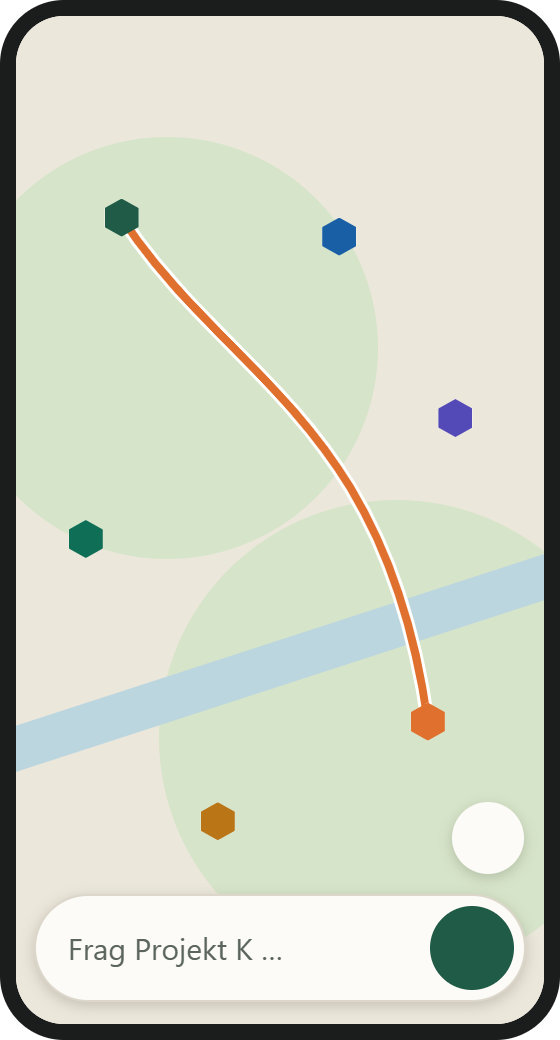
Pitches, water, workshops and routes on one map. Plus the workshop manual and an input where you simply say what you need.
iPhone testers wanted (beta): 50 spots via TestFlight. Install Apple's TestFlight app first, then open the invitation and tap “Accept”. It is a beta, so things may break. Open TestFlight invitation
On a Mac?
On a Mac the beta is not available as its own program yet. If you have an iPhone, use the iPhone beta via TestFlight.
Alternatively, Projekt K also works as a web app in Safari (Share → Add to Home Screen). 4x4andfriends.de/pajero/
Already have an account? Sign in
Three steps to the app:
- Sign up and confirm your email.
- Register as a beta tester: state your phone model and Android version.
- Download the app (Android) or use the web app (iPhone).
Download only with an account and beta registration. No store needed.
Do you have the old test app? Please uninstall it once and install Projekt K again.
What you get
You see features before everyone else gets them.
Free to use during the beta, with no deadline. You test when and as much as you like, and tell us what is not working.
Right in the app, with a screenshot if you like. Every report is read.
How we work
- New versions every day, you see changes first.
- What is not working, you report in the app. We answer quickly, partly with AI help, always labelled as such.
- It will be bumpy: bugs are part of it, that is exactly why you are testing.
iPhone
In the first phase we mainly test on Android, because we can ship new versions faster there. On the iPhone you can already use Projekt K as a web app, but with fewer features: reporting a problem works via ☰ → “Report a problem” (shaking only exists in the Android app), there is no screenshot protection, and location only works while Projekt K is open. iPhone tests come next. We will tell you the date as soon as it is fixed.
How the test works
- Sign up and confirm your email.
- Register as a beta tester: state your phone model and Android version.
- Download the app (Android) or use the web app (iPhone).
- Test whenever you like. What does not work, you report via “Report a problem” in the app.
The rules
- The beta is free to use and not commercial.
- This is a test version. Things may still go wrong.
- We only send your location with a report if you allow it.
- No ranking, no ads.
In the browser without an app
Map, routes and trips also work without installing anything, right in the browser, on PC and phone. The workshop manual is there too.